Google Docs Backup
 Updated: July 12th, 2021
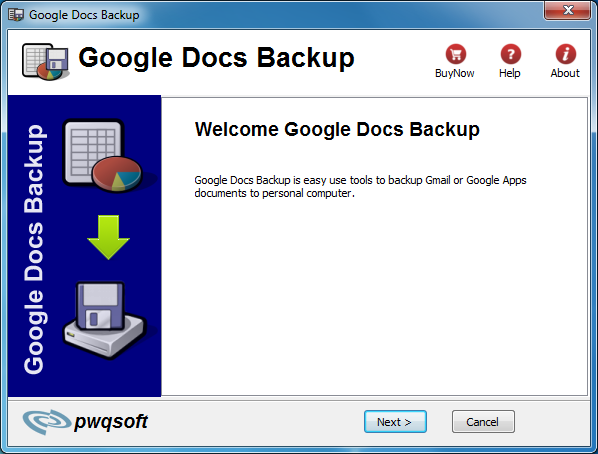
Google Docs Backup is backup solution for Google Docs, we know that Google Docs web service can easily access and manage their documents online. However, user still would like to be able to back up and archive their files on their own systems. Unfortunately that isn’t so easy and requires you to download backups of each document individually.
The Google Docs Backup is a utility to help streamline this process. With 1-click, user can download and create a backup of all Google Docs word document and spreadsheet to local folder on hard drive.
| Download | Buy Now ! |
Key feature
- One-Click backup.
- download and back up all documents to hard drive.
- Support Windows2000/2003/XP/Vista/Win2008/Win7.
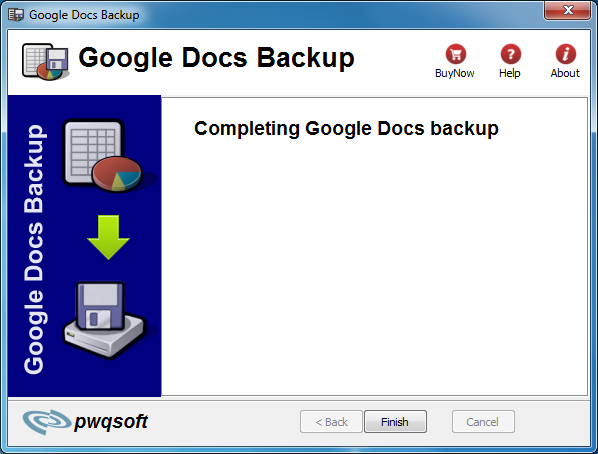
Screenshots
|
 |
 |
 |
 |
| Download | Buy Now ! |
How to backup Google Docs and Spreadsheets
As someone who usually work on three different PCs and a laptop, Google Docs and Spreadsheets very convenient, due to the fact i can access my documents from each of my computers.
As time went by, i started to accumulate lots of docs and spreadsheets in Google account, and i asked myself how should i backup them. I knew i could open each and every document and just save it as a Microsoft Excel or Microsoft Word document, as well as a PDF document, but i was looking for a more powerful method.
I searched a bit and found a nice program Google Docs Backup that helped me to accomplish my task.
So here’s what you should do in order to backup your Google docs and Spreadsheets:
- Run Google docs backup.
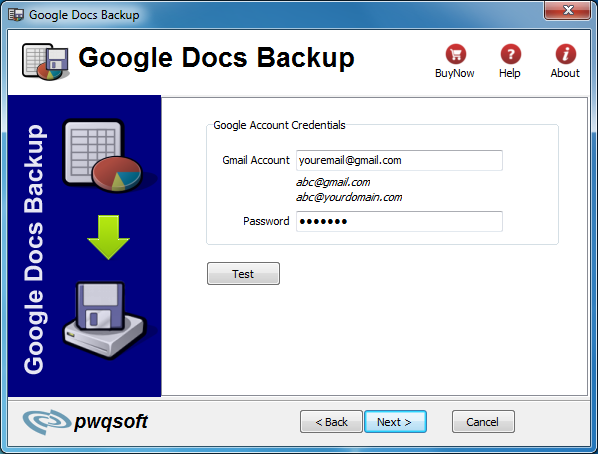
- Input your gmail account or your google app account.
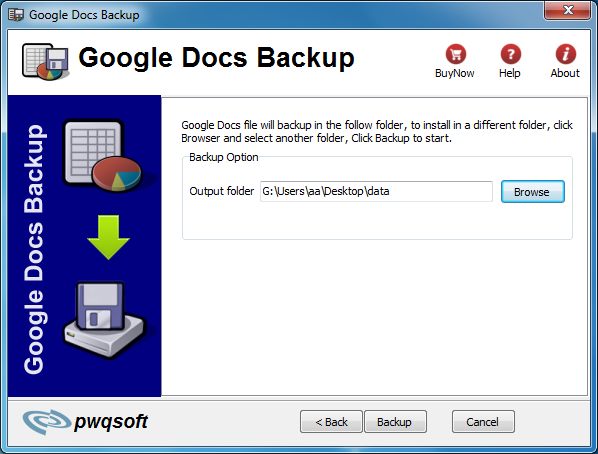
- Select preferred location in Hard drive to store your docs and spreadsheets.
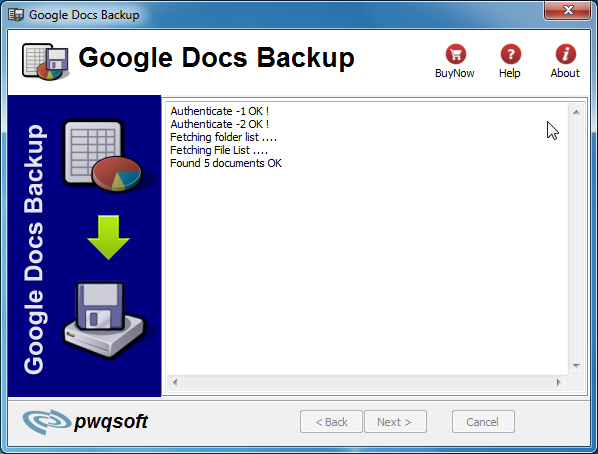
- Click Backup
No cate
Kindle for Android Keys
Amazon’s Kindle for Android application uses an internal key equivalent to an eInk Kindle’s serial number. Extracting that key is a little tricky, but worth it, as it then allows the DRM to be removed from any Kindle ebooks that have been downloaded to that Android device.
Please note that it is not currently known whether the same applies to the Kindle application on the Kindle Fire and Fire HD.
Getting the Kindle for Android backup file
Obtain and install adb (Android Debug Bridge) on your computer. Details of how to do this are beyond the scope of this help file, but there are plenty of on-line guides.
Enable developer mode on your Android device. Again, look for an on-line guide for your device.
Once you have adb installed and your device in developer mode, connect your device to your computer with a USB cable and then open up a command line (Terminal on Mac OS X and cmd.exe on Windows) and enter “adb backup com.amazon.kindle” (without the quotation marks!) and press return. A file “backup.ab” should be created in your home directory.
Adding a Kindle for Android Key
On the right-hand side of the plugin’s customization dialog, you will see a button with an icon that looks like a green plus sign (+). Clicking this button will open a new dialog with two main controls.
Choose backup file: click this button and you will be prompted to find the backup.ab file you created earlier. Once selected the file will be processed to extract the decryption key, and if successful the file name will be displayed to the right of the button.
Unique Key Name: this is a unique name you choose to help you identify the key. This name will show in the list of Kindle for Android keys. Enter a name that will help you remember which device this key came from.
Click the OK button to store the Kindle for Android key for the current list of Kindle for Android keys. Or click Cancel if you don’t want to store the key.
New keys are checked against the current list of keys before being added, and duplicates are discarded.
Deleting Keys:
On the right-hand side of the plugin’s customization dialog, you will see a button with an icon that looks like a red “X”. Clicking this button will delete the highlighted key in the list. You will be prompted once to be sure that’s what you truly mean to do. Once gone, it’s permanently gone.
Renaming Keys:
On the right-hand side of the plugin’s customization dialog, you will see a button with an icon that looks like a sheet of paper. Clicking this button will prompt you to enter a new name for the highlighted key in the list. Enter the new name for the key and click the OK button to use the new name, or Cancel to revert to the old name.
Exporting Keys:
On the right-hand side of the plugin’s customization dialog, you will see a button with an icon that looks like a computer’s hard-drive. Use this button to export the highlighted key to a file (with a ‘.k4a’ file name extension). Used for backup purposes or to migrate key data to other computers/calibre installations. The dialog will prompt you for a place to save the file.
Importing Existing Keyfiles:
At the bottom-left of the plugin’s customization dialog, you will see a button labeled “Import Existing Keyfiles”. Use this button to import any ‘.k4a’ file you obtained by using the androidkindlekey.py script manually, or by exporting from another copy of calibre.