Battery Alarm – Protect Laptop Battery
Battery Alarm is battery protection solution for windows laptop, it is designed to protect laptop battery from deep-discharge, the laptop battery may last for 3 years or more after using this software.
Google Calendar Desktop Free – gCalendar Desktop
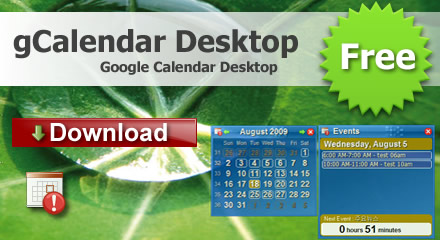
gCalendar Desktop is a google calendar client and events reminder that lives embedded on your desktop, it completely integrates with google calendar, displays all Google Calendar events in the desktop and system tray. it will the alert message notifying you when the time for next event occurs.
It is only free Google calendar desktop on the market, others calendars software you must pay for google calendar supported.
How To Extend Your Laptop’s Battery Life
To extend your laptop battery, you need to protect your battery from discharge and overcharge, you should change laptop battery as soon as possible, the MS Windows battery setting is not perfect, it may hurt your battery, so it is neccessory to change Power management scheme to protect battery.
do not let a Li-On battery completely discharge. (Discharing is only for older batteries with memory effects)
No cateHow to backup Google Docs and Spreadsheets
As someone who usually work on three different PCs and a laptop, Google Docs and Spreadsheets very convenient, due to the fact i can access my documents from each of my computers.
As time went by, i started to accumulate lots of docs and spreadsheets in Google account, and i asked myself how should i backup them. I knew i could open each and every document and just save it as a Microsoft Excel or Microsoft Word document, as well as a PDF document, but i was looking for a more powerful method.
I searched a bit and found a nice program Google Docs Backup that helped me to accomplish my task.
So here’s what you should do in order to backup your Google docs and Spreadsheets:
- Run Google docs backup.
- Input your gmail account or your google app account.
- Select preferred location in Hard drive to store your docs and spreadsheets.
- Click Backup
No cate